
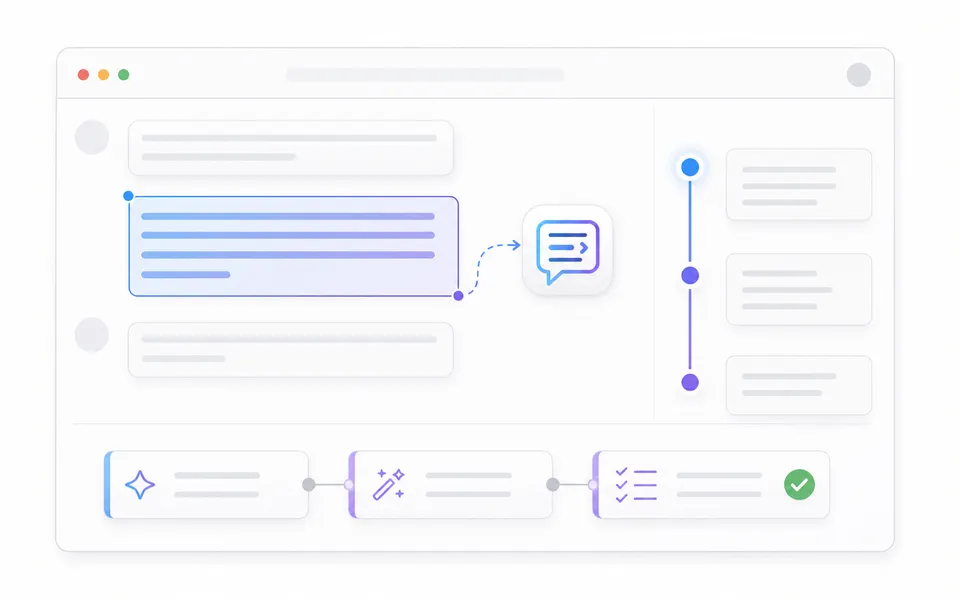
Make Gemini easier to work in.


Built for the work inside Gemini
Tools that stay out of the way.
Each one solves a specific interruption, then gets back to the conversation.
Quick Follow-up
Turn a selection into the next question.
Ask about any sentence, paragraph, or code block without interrupting the thread.
Explore Quick Follow-up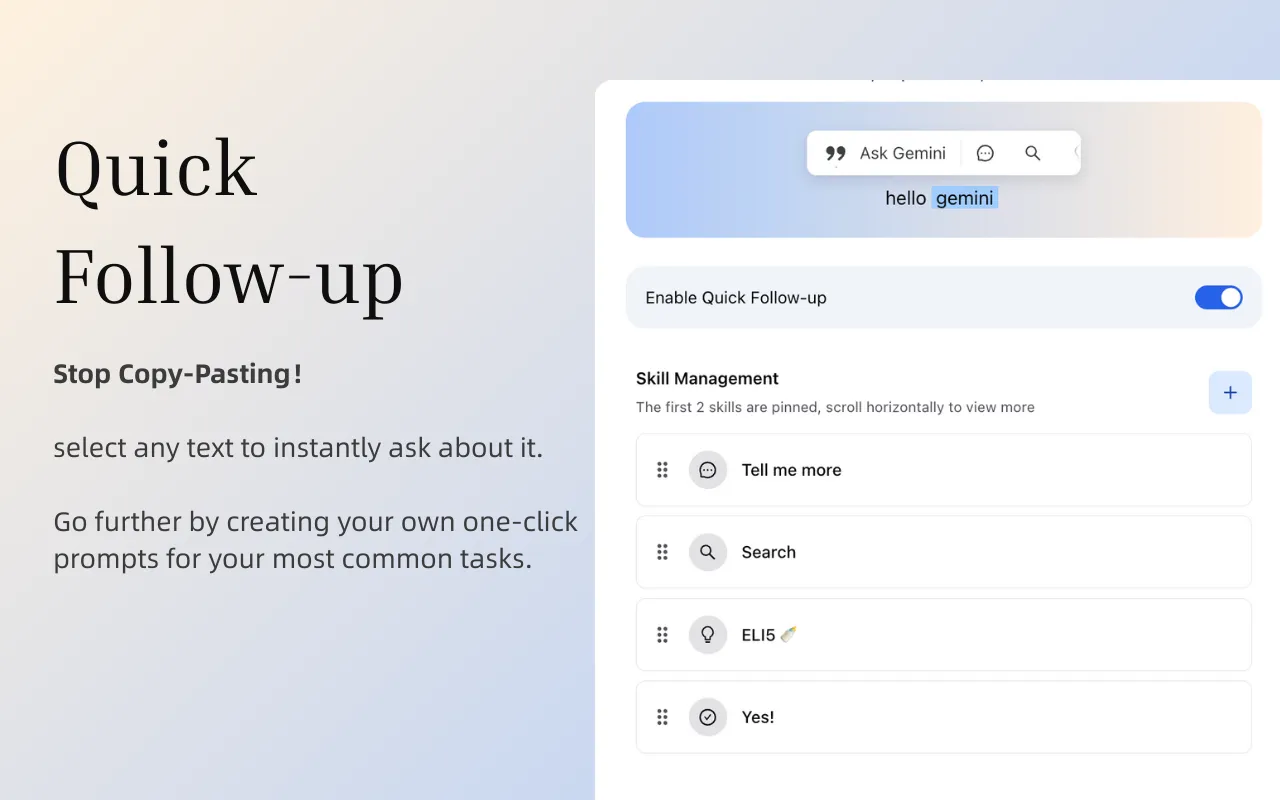
Chat Outline
Know where you are in a long conversation.
Scan the structure, then jump directly to the context you need.
Explore Chat Outline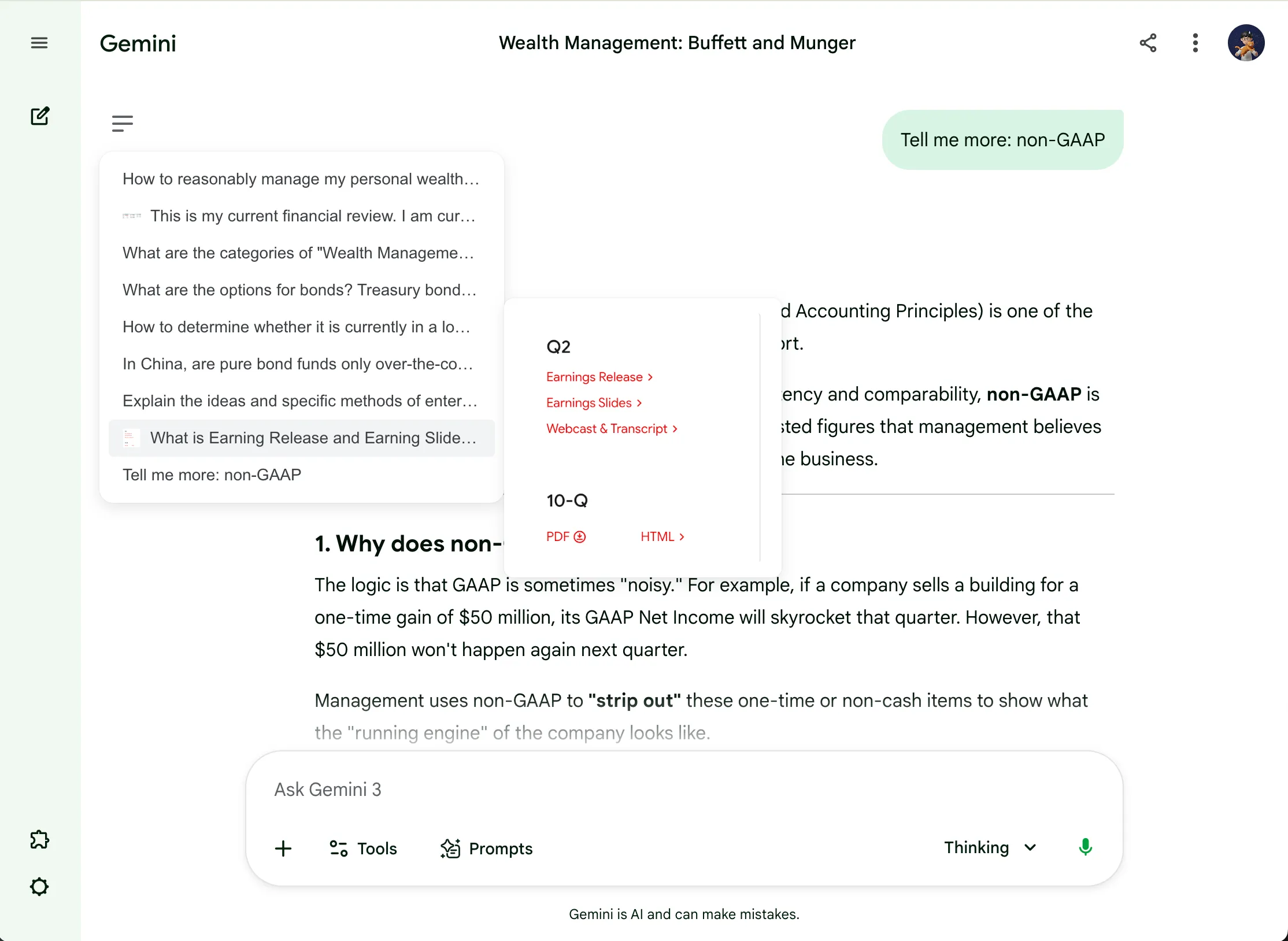
Chain Prompt
Keep a good process ready to run.
Turn repeated multi-step work into a reusable prompt flow.
Explore Chain Prompt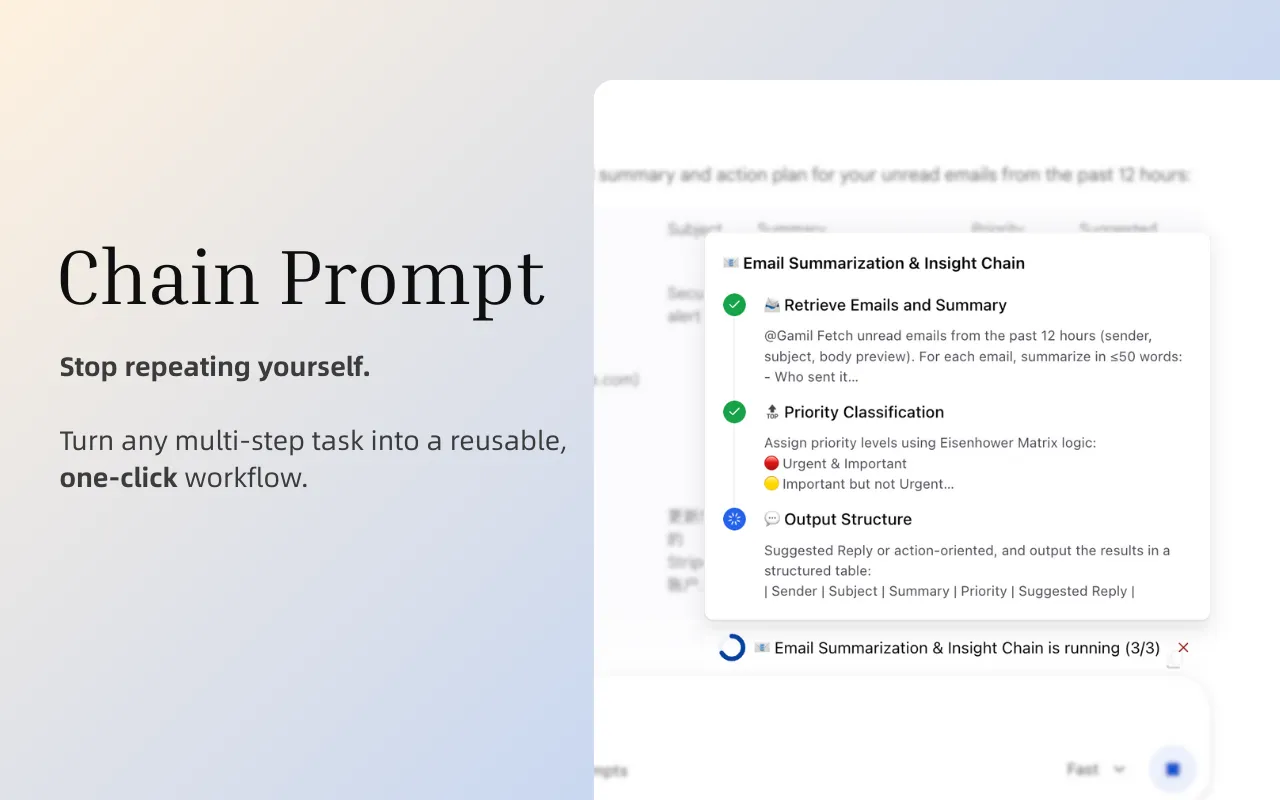
Visual Themes
Make the workspace easier to keep open.
Adjust appearance, wallpaper, and readability for the way you work.
Explore Visual Themes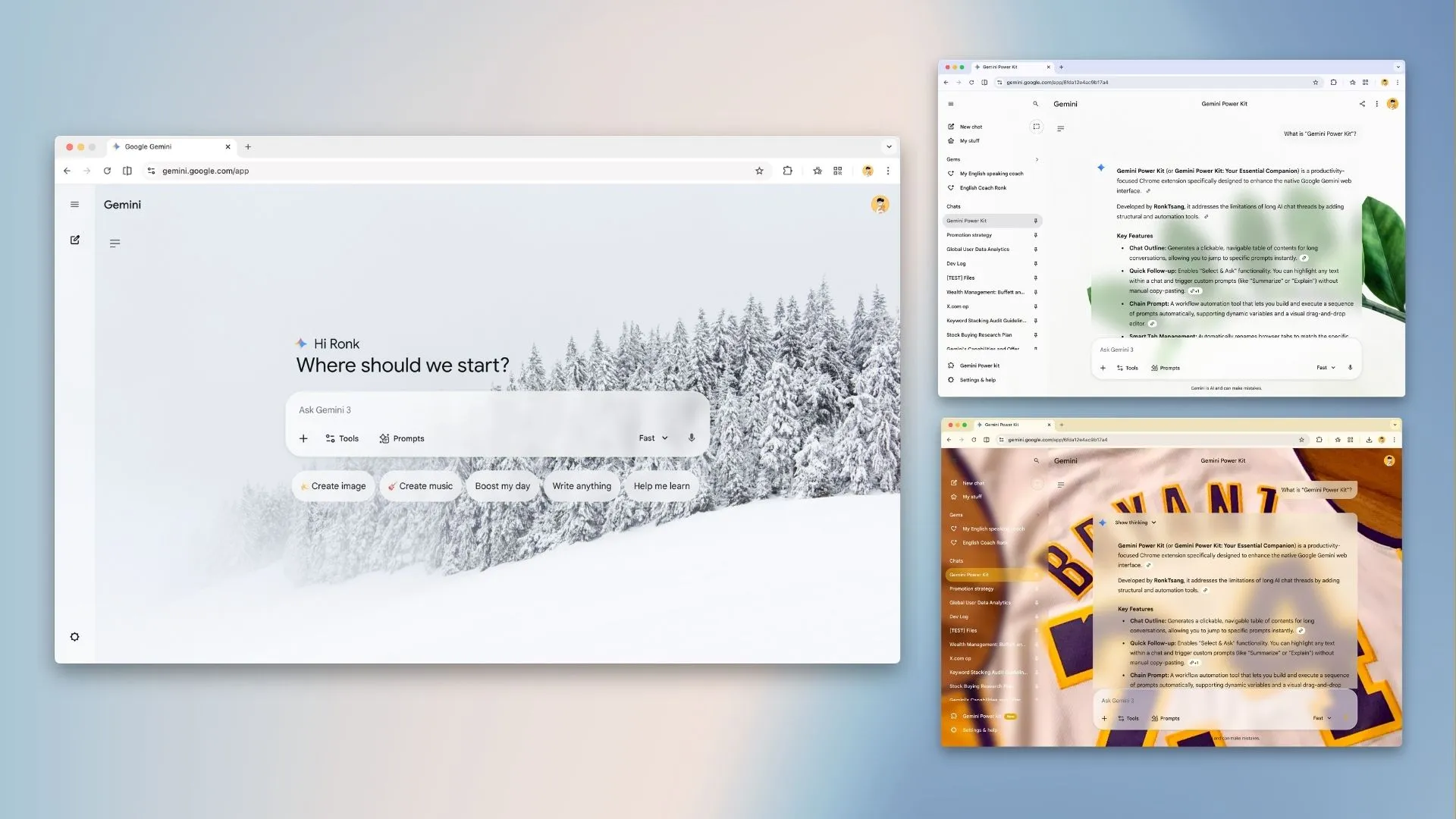
Privacy by default
Your prompts stay on your device.
Settings and workflow data stay in browser-managed storage on your device. Gemini Power Kit does not collect or receive your prompts.
Read the privacy policyBuilt in the open
Tell us what still gets in your way.
Requests and bug reports guide the work that gets refined next.
Share feedbackReady when you are
Use Gemini with less friction.
Install Gemini Power Kit, then shape the workspace around the work you already do.